27 complete themes
Each theme sets the sidebar, header, page background, type, corner radius, UI kit and a matching login page. Start from one and change anything.
Theme
Colour
Saved on this device only, and only if you accepted preference storage.
Theme
Colour
GHL Customizer · Themes
Pick one of 27 complete themes, light or dark, and the whole of GoHighLevel changes: sidebar, header, cards, buttons, tables, forms and even the colours GoHighLevel hard-codes. Your clients see your product, not someone else's.
Beta · Free Free during beta, every feature included.
Why it matters
White-label settings change a logo and a colour or two. The rest of the app still looks exactly like every other agency’s, and GoHighLevel’s own blues keep showing through. A theme changes all of it at once.
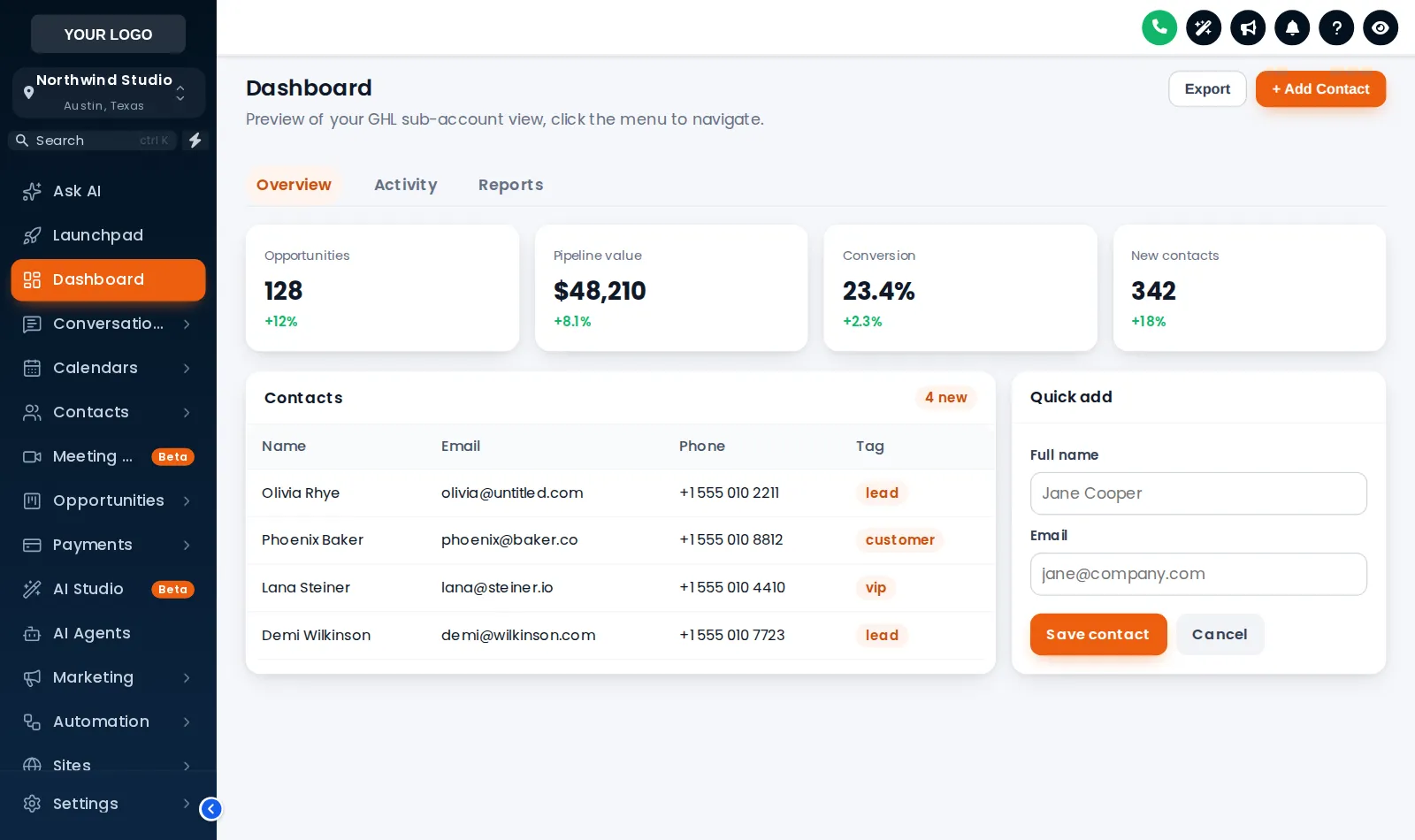
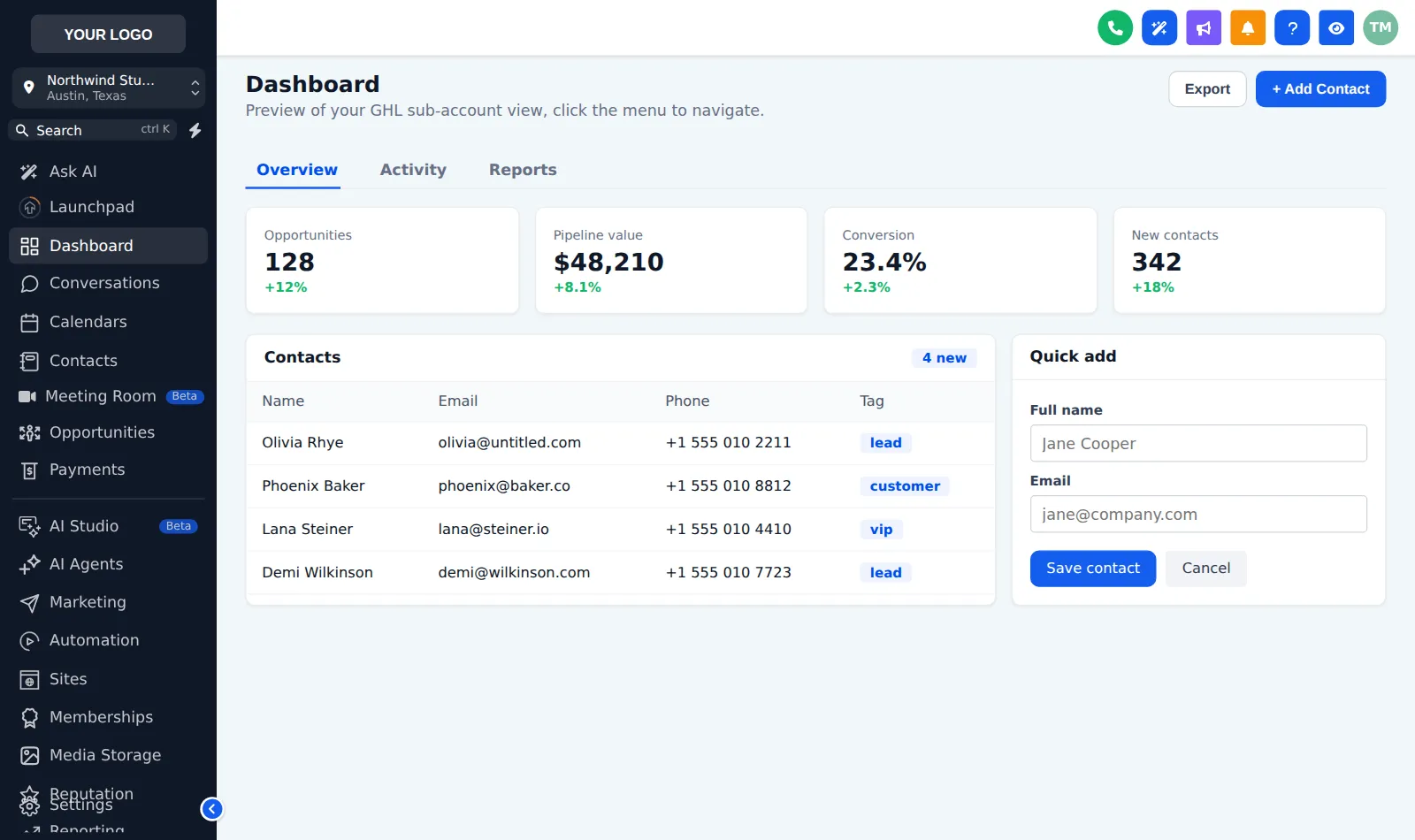
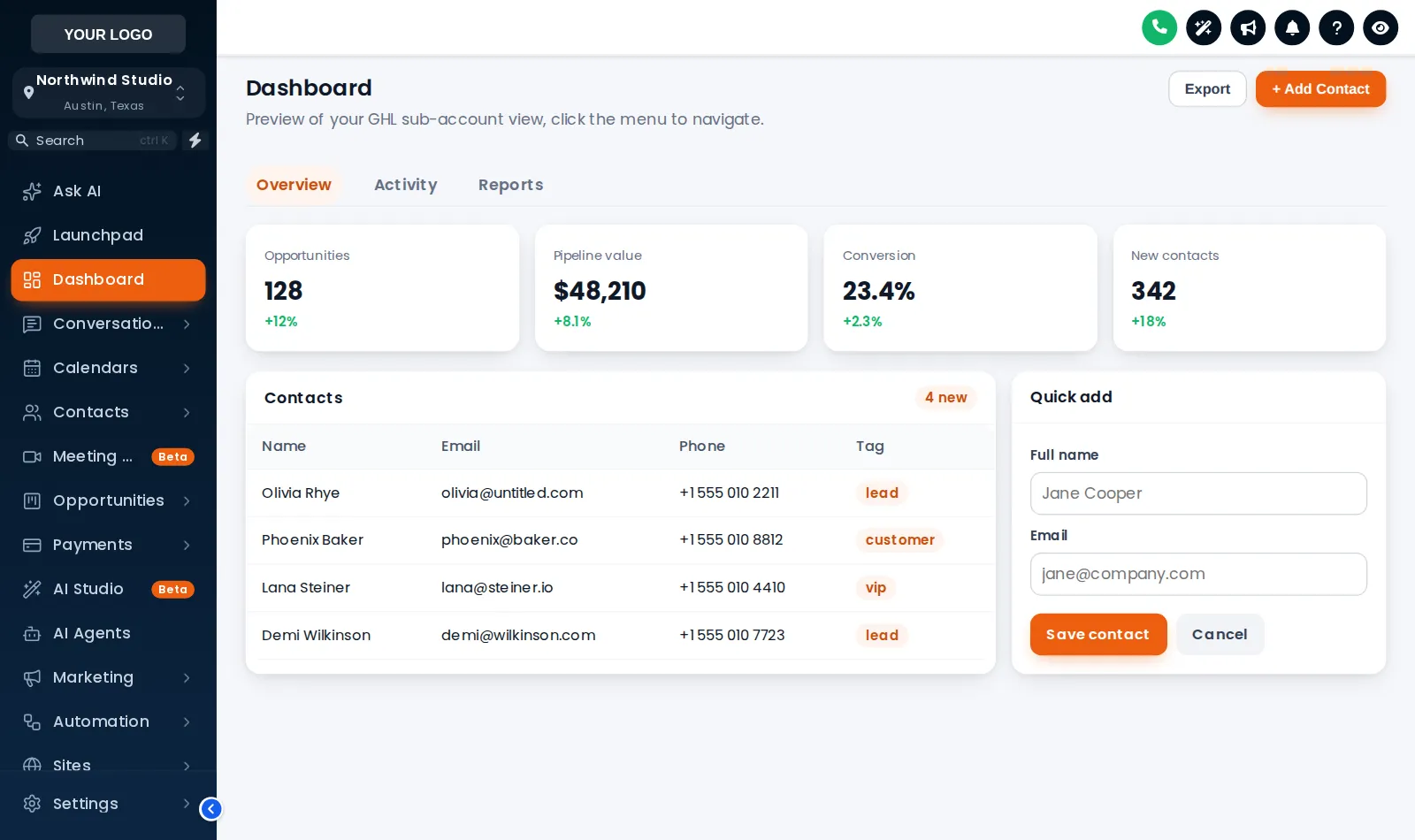
Before: the stock GoHighLevel dashboard with its default dark sidebar and blue buttons. After: the same dashboard with the Midnight Ember theme, a branded gradient sidebar, orange accents and restyled cards.
Drag the handle to compare the same page before and after a theme.
Stock GoHighLevel
With the GHL Customizer
Live preview
Click a theme and the sample GoHighLevel dashboard below restyles itself instantly. It is the same engine and the same CSS your clients would get.
Loading the live preview
Midnight Ember This is the real customizer engine restyling a sample GoHighLevel dashboard. Click around inside it: the menu, the collapse button and the Save contact modal all work.
What you get
Each theme sets the sidebar, header, page background, type, corner radius, UI kit and a matching login page. Start from one and change anything.
3 dark themes with their own dark palette for surfaces, borders and text, so long days in the app are easier on the eyes.
Soft shadow, bordered flat, glass, brutalist, halo glow and more. A kit restyles cards, buttons, inputs, tables, tabs and modals in one click.
GoHighLevel hard-codes its blues in hundreds of places. The remap swaps every one of them for your brand colour, so nothing gives the game away.
Choose a Google font, how round the corners are and how deep the shadows go. Small details that make it feel designed rather than configured.
Solid, gradient or a photo behind the app, with the loader bar and logo highlight to match your brand when pages change.
Screenshots
Midnight Ember: dark navy sidebar with orange energy
Obsidian OLED: dark mode with a raspberry glow
Arctic Clean: a white top bar and crisp blue
Midnight Mint: deep navy dark mode with mint accents
Ocean Glass: frosted glass, docked on the right
Royal Navy and Gold
Holo Pearl: pearl white with an iridescent shine
The theme editor, with a live preview beside it
Cards and UI: dark mode and UI kits
Header styles and colours
Your template library
How it works
Open the customizer, choose a theme from the gallery and see it on a live preview straight away.
Swap in your logo, brand colour and font, pick a UI kit and switch on dark mode if you want it.
Save, and every sub-account picks up the new look on its next page load. No re-pasting code.
Questions
The whole app. A theme sets the sidebar, header, page background, cards, buttons, inputs, tables, tabs and modals, and the colour remap replaces the blues GoHighLevel hard-codes across its pages.
Yes. Themes are a starting point. Every colour, font, radius and shadow can be changed in the editor, and you see the result in a live preview as you go.
Dark themes switch GoHighLevel pages to a dark palette with their own surface, border and text colours. It applies to pages with the GoHighLevel sidebar; the login page keeps its own design.
Yes. The loader script fetches the latest saved version, so a change reaches every sub-account on its next page load.
A few screens, such as parts of Location Settings, load inside a frame from another domain. Browsers do not allow outside styling there, so those areas keep the stock look.
Sign in, try themes on your own brand and paste two lines into GoHighLevel. No card, no plans to pick.
Reading settings